
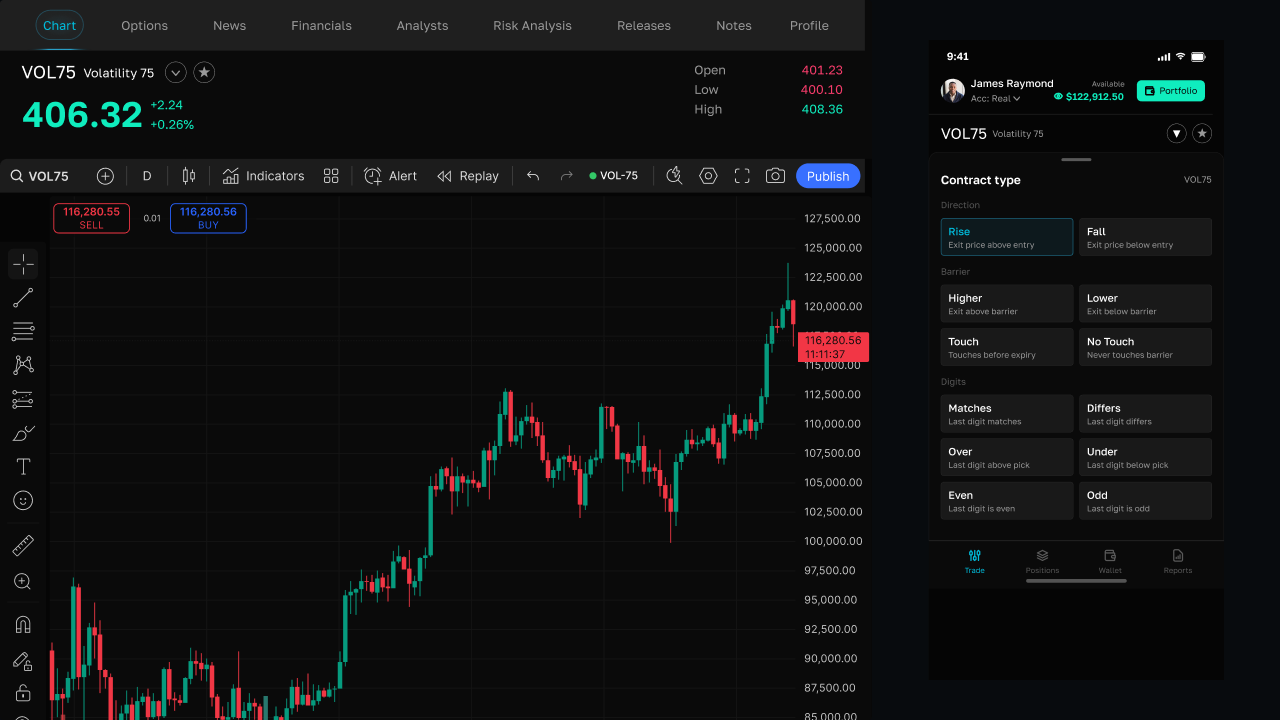



Introduction
Contracts are fixed-term trades on a volatility index. You choose a product, set how much to stake, and pick how long the contract should run. When the contract ends — or, for some types, when a specific price condition is met — the platform settles the trade automatically as a win or a loss.
How contracts differ from multipliers
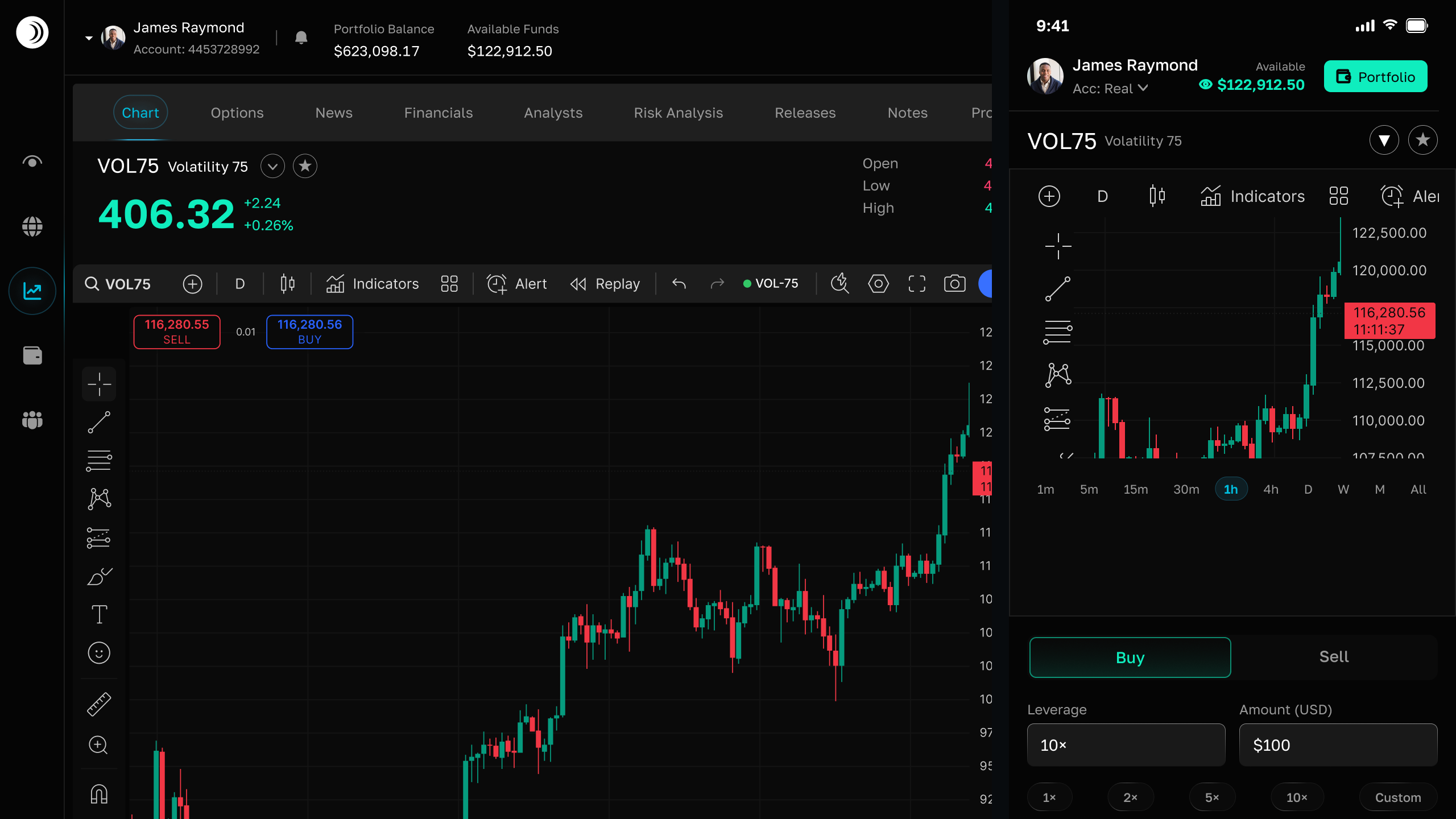
The trade dashboard offers two broad product families. Market (multipliers) are open-ended leveraged positions: you manage them manually and your profit or loss changes with every price move until you close the trade.
Contracts are different. Your risk is fixed to the stake you choose upfront, the duration is set when you open the trade, and settlement happens on its own. You either receive the contract payout or forfeit the stake — there is no in-between outcome.
The 14 contract types
Every contract belongs to one of three families. Each family asks a different question about the market at settlement (or, for Touch and No Touch, during the life of the contract):
- Direction — Rise and Fall. Will the exit price finish above or below your entry price?
- Barrier — Higher, Lower, Touch, and No Touch. Will the price finish above or below a level you choose, or touch / avoid that level before expiry?
- Digits — Over, Under, Even, Odd, Matches, and Differs. Will the last decimal digit of the exit price match your prediction?
Each type has its own guide in this blog with win rules, examples, and tips. Use the sidebar to jump directly to the contract you want to learn about.
Entry price and exit price
When you open a contract, the platform records an entry price — the index quote at that moment. When the contract settles, the latest quote becomes the exit price. Most contract types compare these two values (and sometimes a barrier or digit you selected) to decide the result.
You do not need to close a contract yourself. Open contracts appear in the panel below the chart on the Trade page until they settle.
Demo and real accounts
Contracts can be placed on both demo and real wallets. Demo uses virtual funds but follows the same rules and settlement logic, which makes it a safe way to try each contract type before committing real money. Switch accounts from the trade header; open contracts and history are kept separate per account type.
How to place a contract
- Open the Trade page from the sidebar.
- Use the product switcher in the order panel to pick a contract type (Rise, Touch, Matches, and so on).
- Enter your stake and duration. Add a barrier or digit if the contract requires one.
- Review the estimated payout, then submit. Your stake is deducted immediately.
- Wait for settlement. You will receive a notification when the result is final.
Trading involves risk. Fixed payouts do not mean fixed odds of winning. Only stake amounts you can afford to lose, and practice on demo first.
Frequently asked questions
What is a contract on Coinpes?

How is a contract different from a spot position?
Can I practice before trading real funds?
Explore each contract type
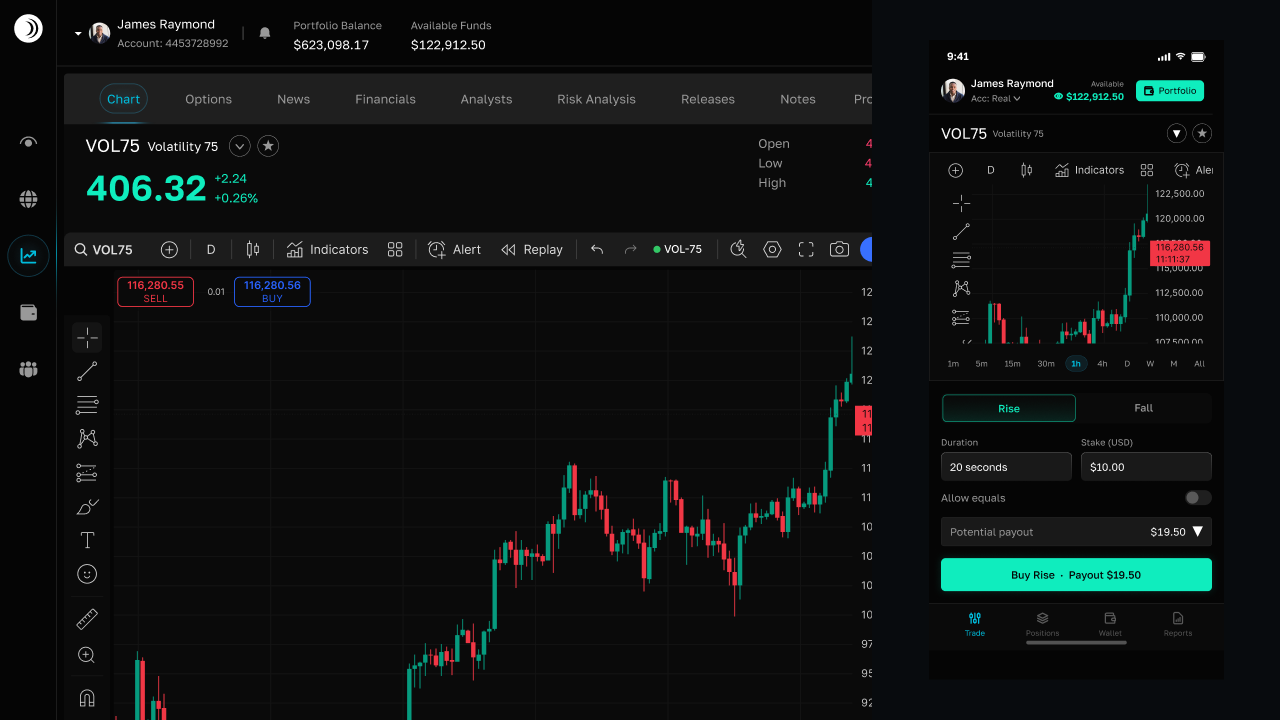 4 MIN
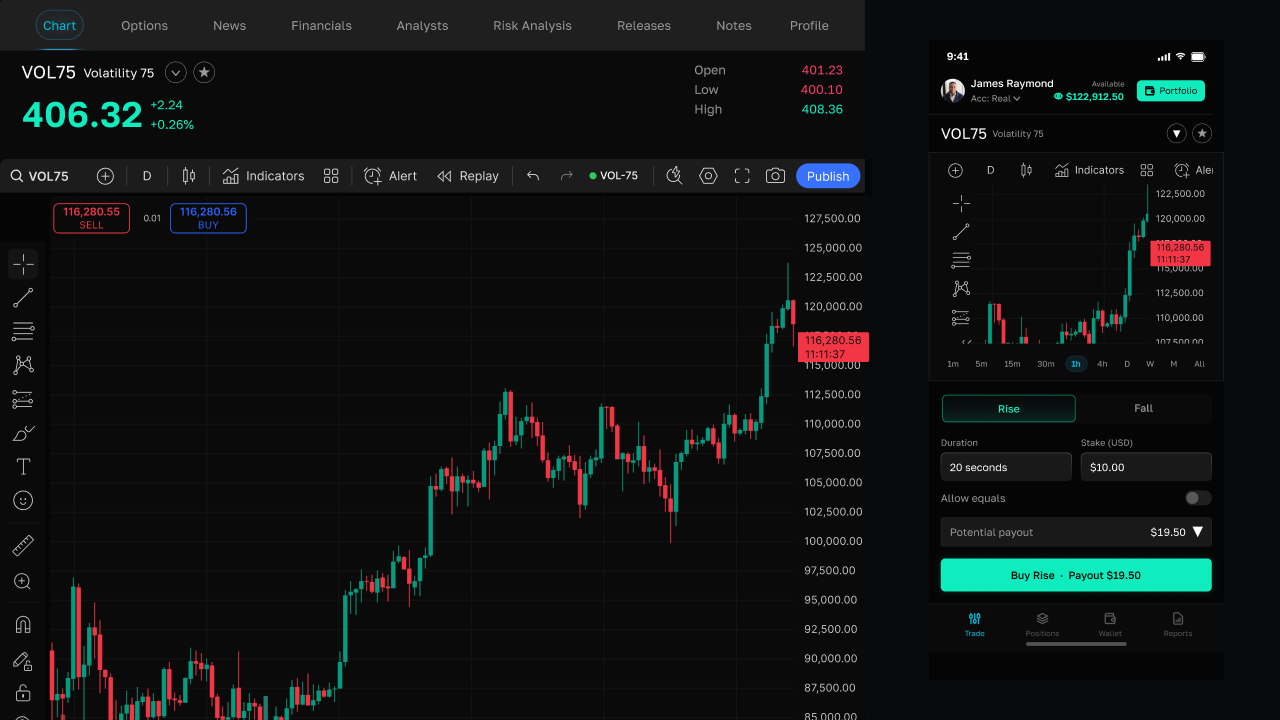
4 MINRise
Rise contracts — predict that the exit price finishes above your entry when the contract expires.
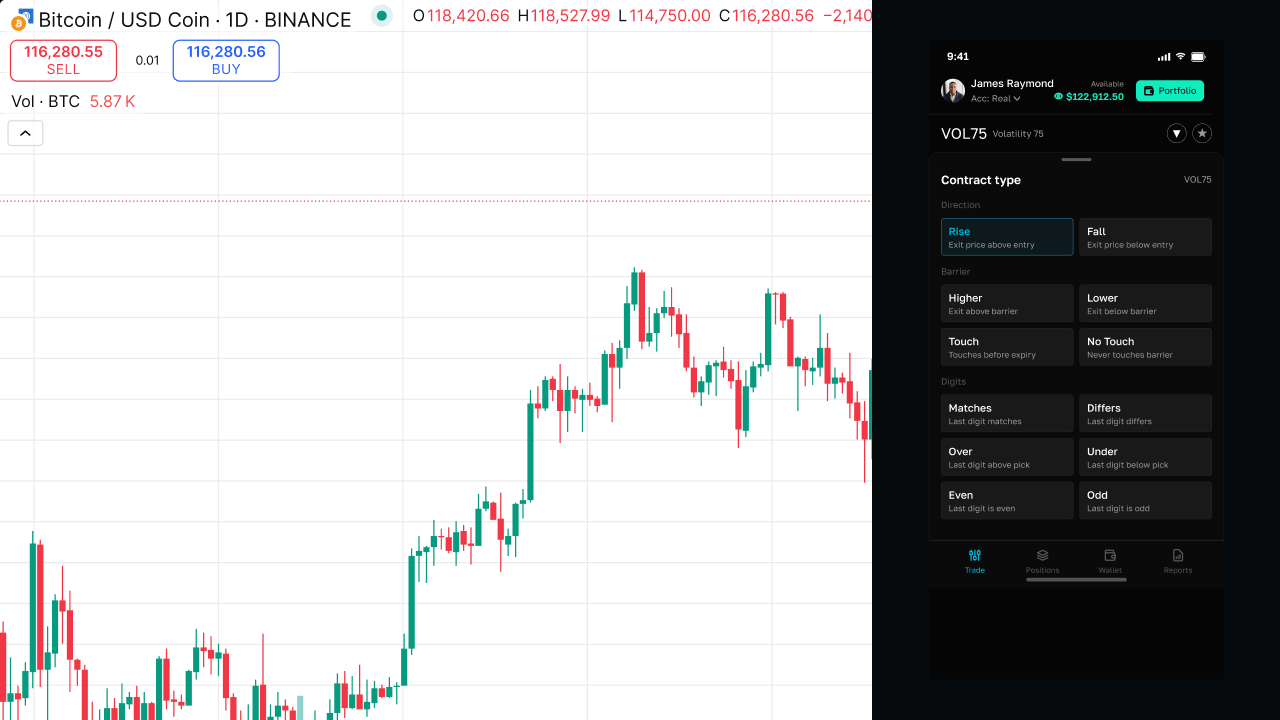 4 MIN
4 MINFall
Fall contracts — predict that the exit price finishes below your entry at expiry.
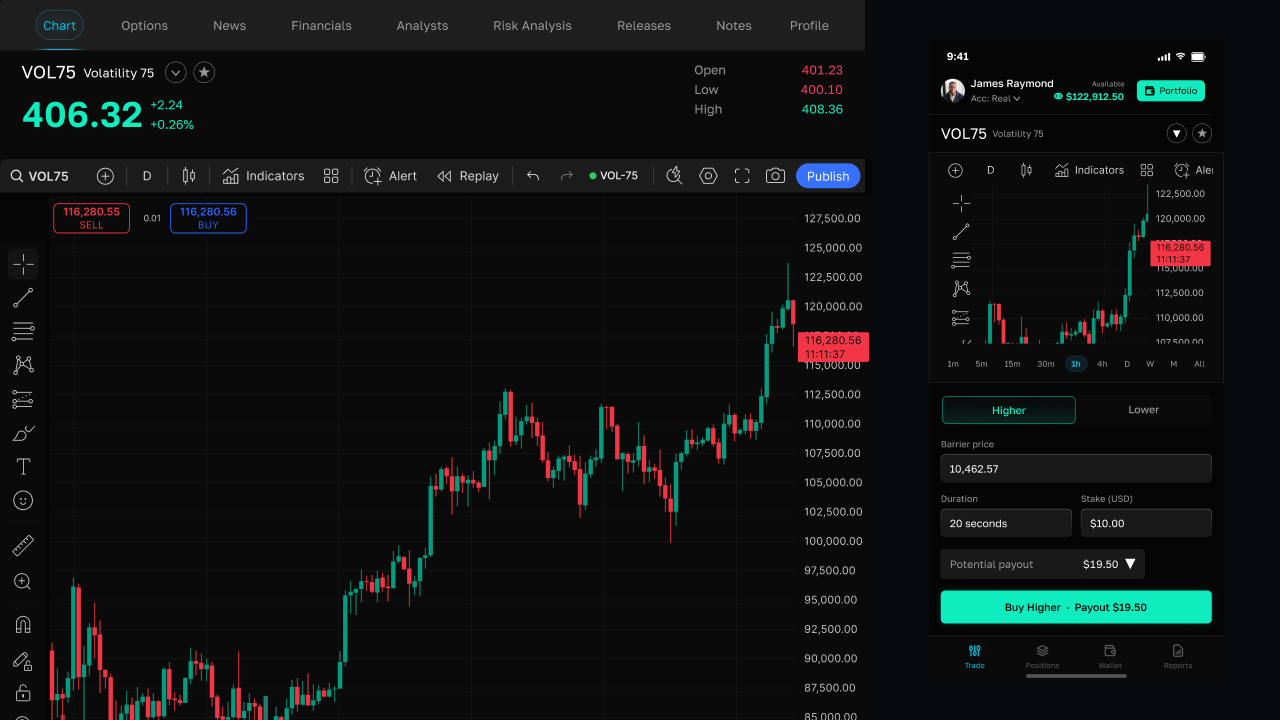 4 MIN
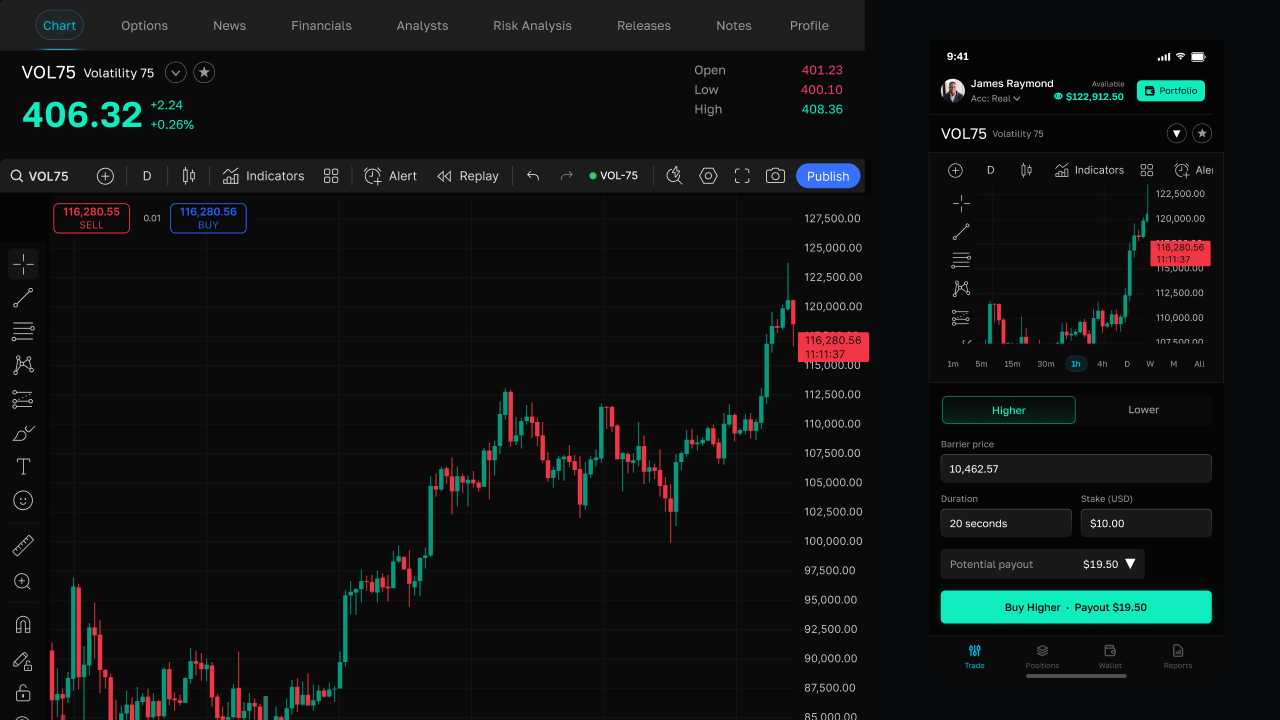
4 MINHigher
Higher barrier contracts — predict the index finishes above a barrier you choose.
 4 MIN
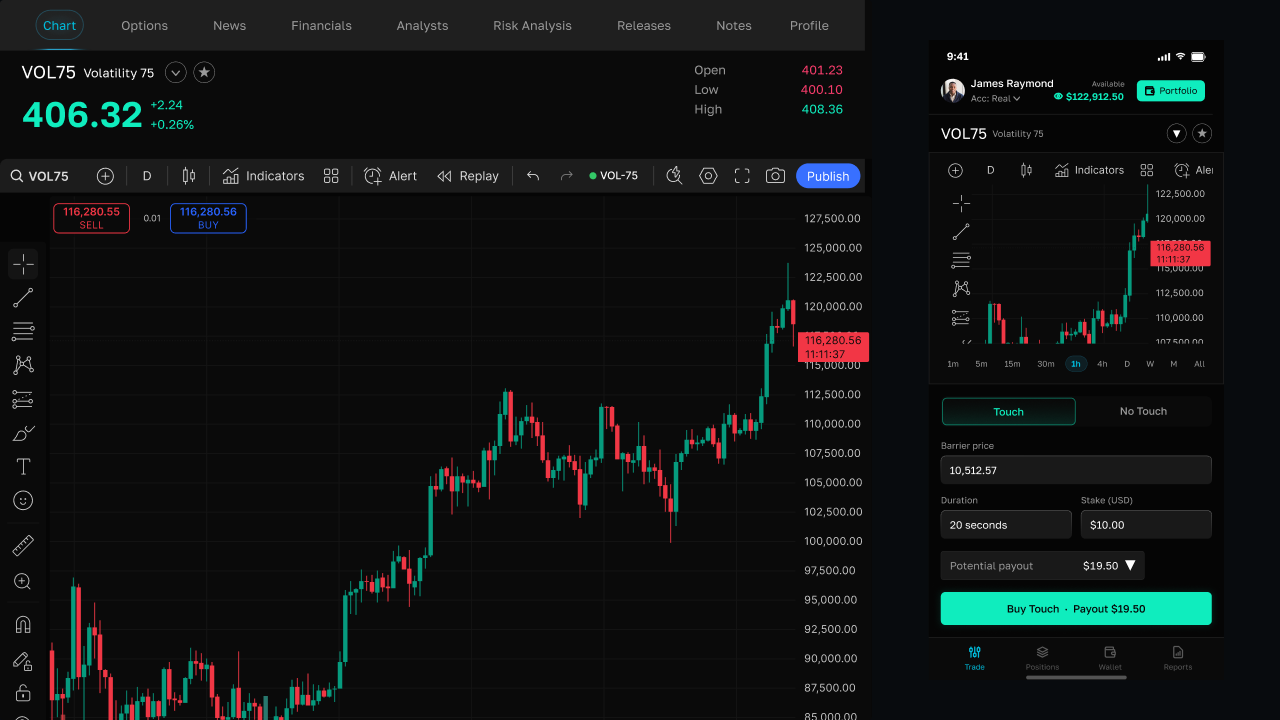
4 MINLower
Lower barrier contracts — predict the index finishes below a barrier you choose.
 4 MIN
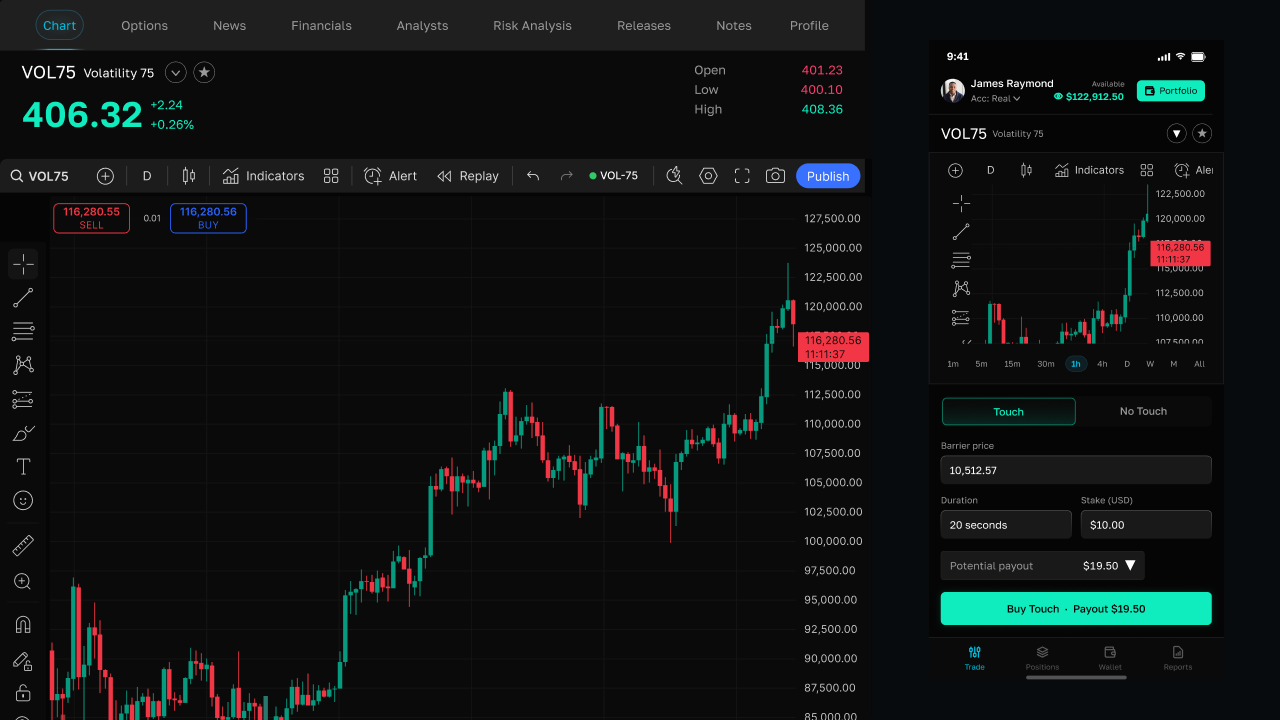
4 MINTouch
Touch contracts — win if price reaches your barrier at any time before expiry.
 4 MIN
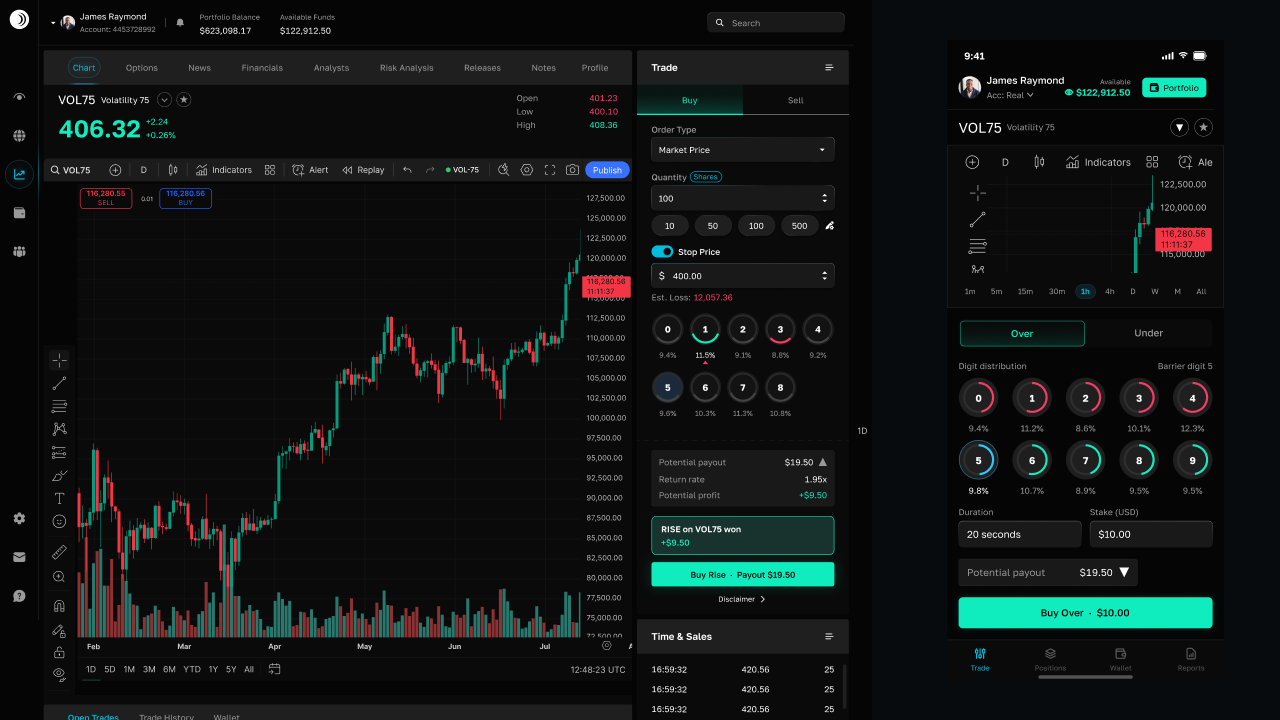
4 MINNo Touch
No Touch contracts — win if price never reaches your barrier before expiry.
 4 MIN
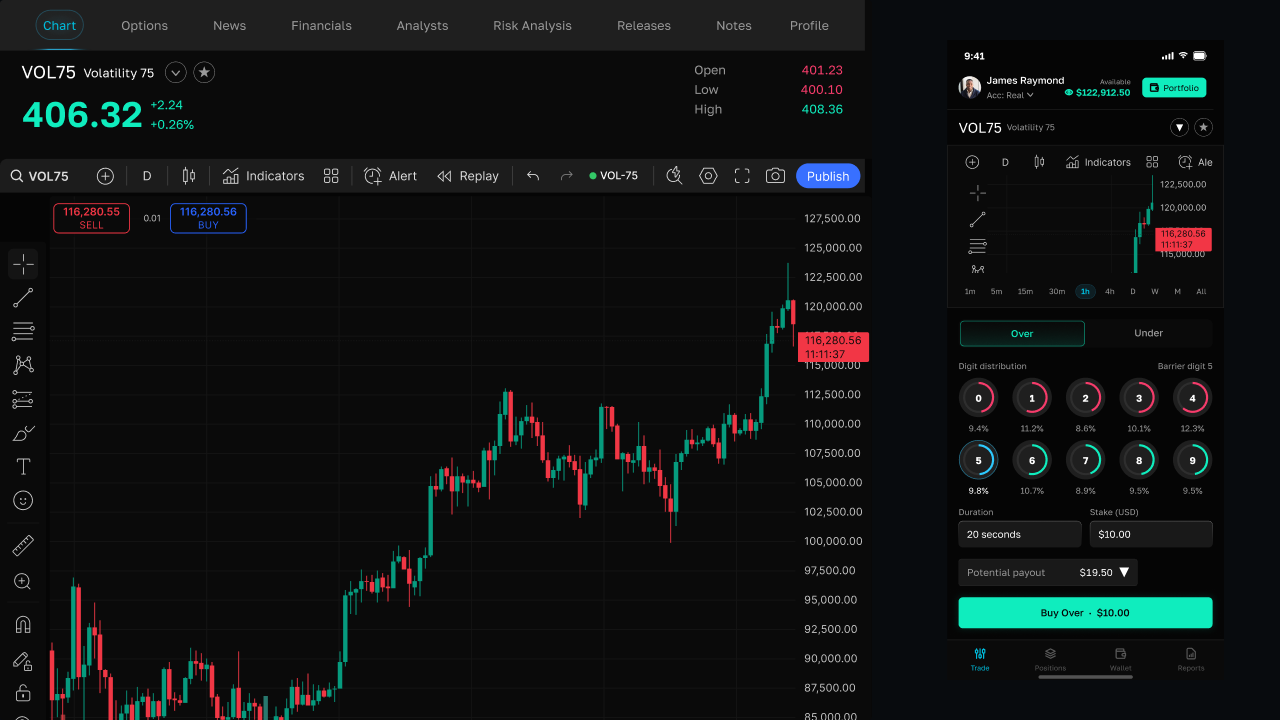
4 MINOver
Over digit contracts — predict the last decimal digit is greater than your chosen digit.
 4 MIN
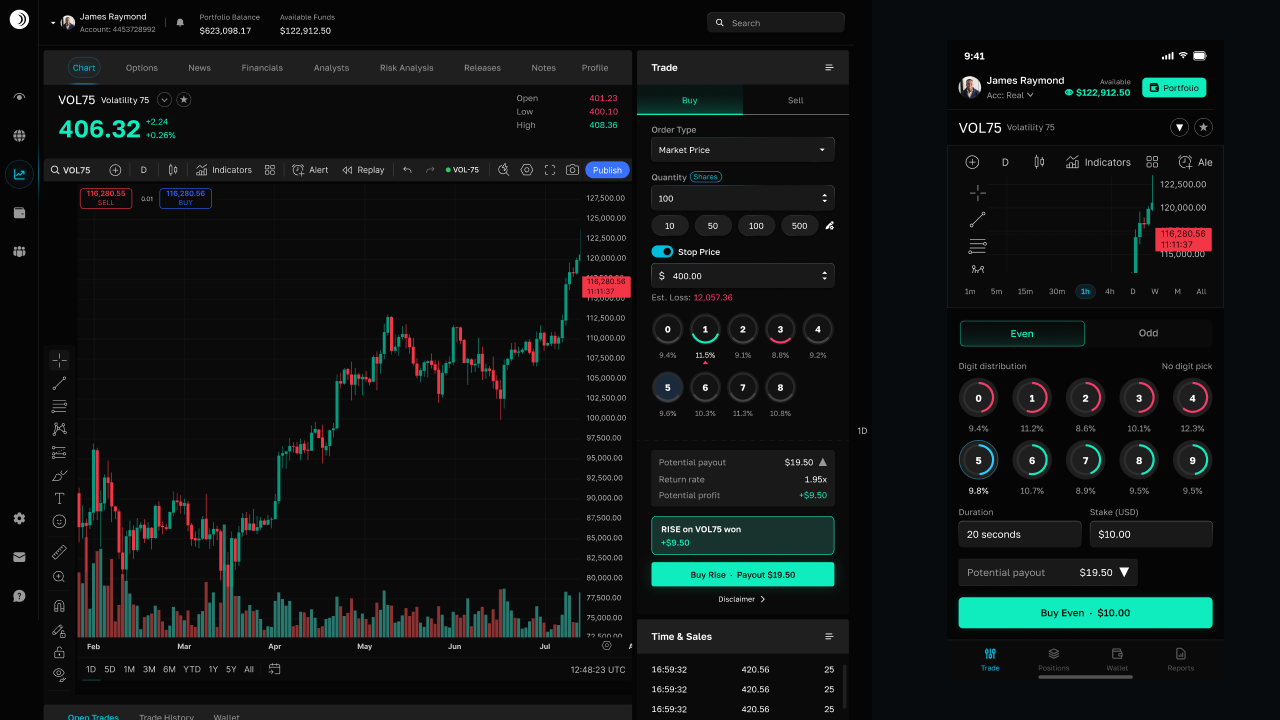
4 MINUnder
Under digit contracts — predict the last decimal digit is less than your chosen digit.
 4 MIN
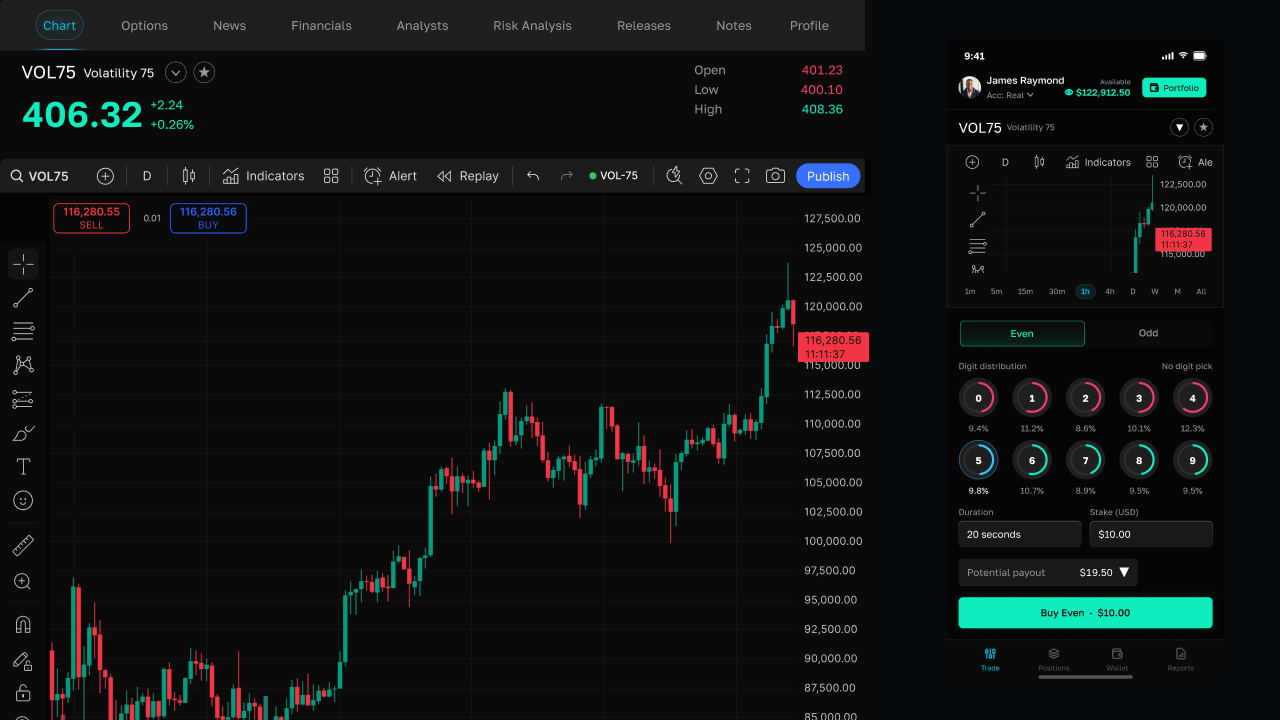
4 MINEven
Even digit contracts — win when the last decimal digit is 0, 2, 4, 6, or 8.
 4 MIN
4 MINOdd
Odd digit contracts — win when the last decimal digit is 1, 3, 5, 7, or 9.
 4 MIN
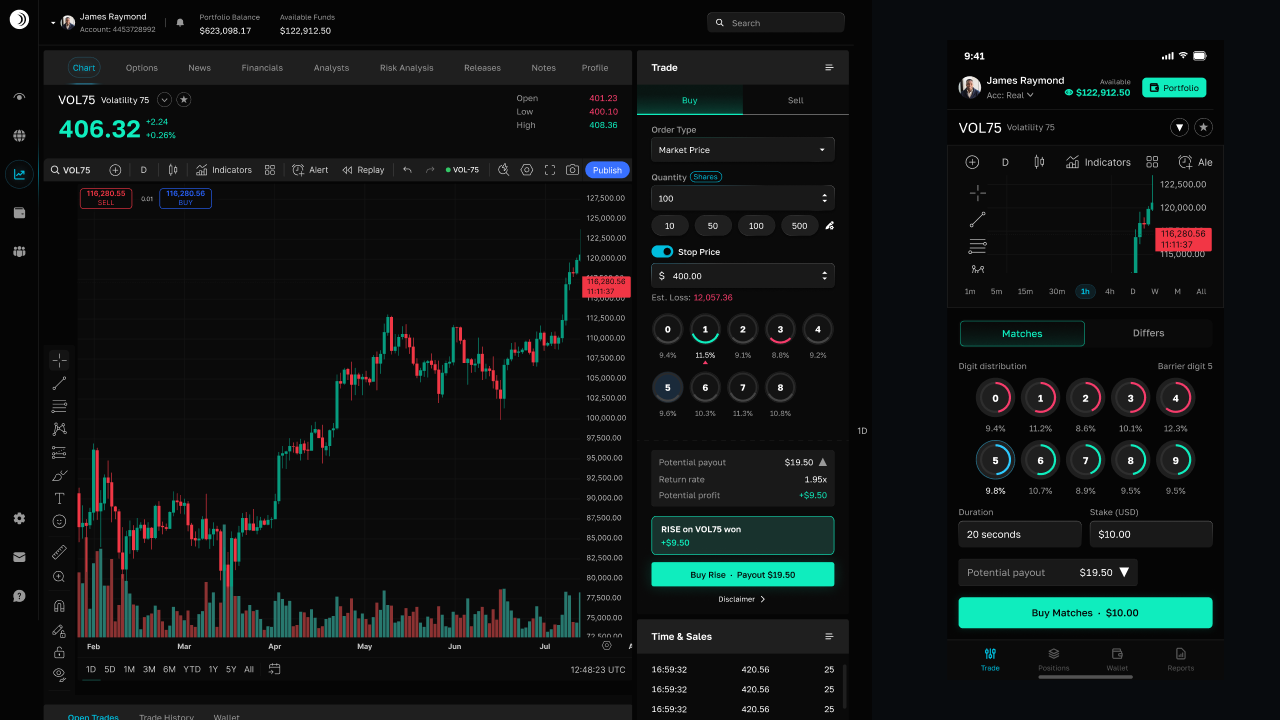
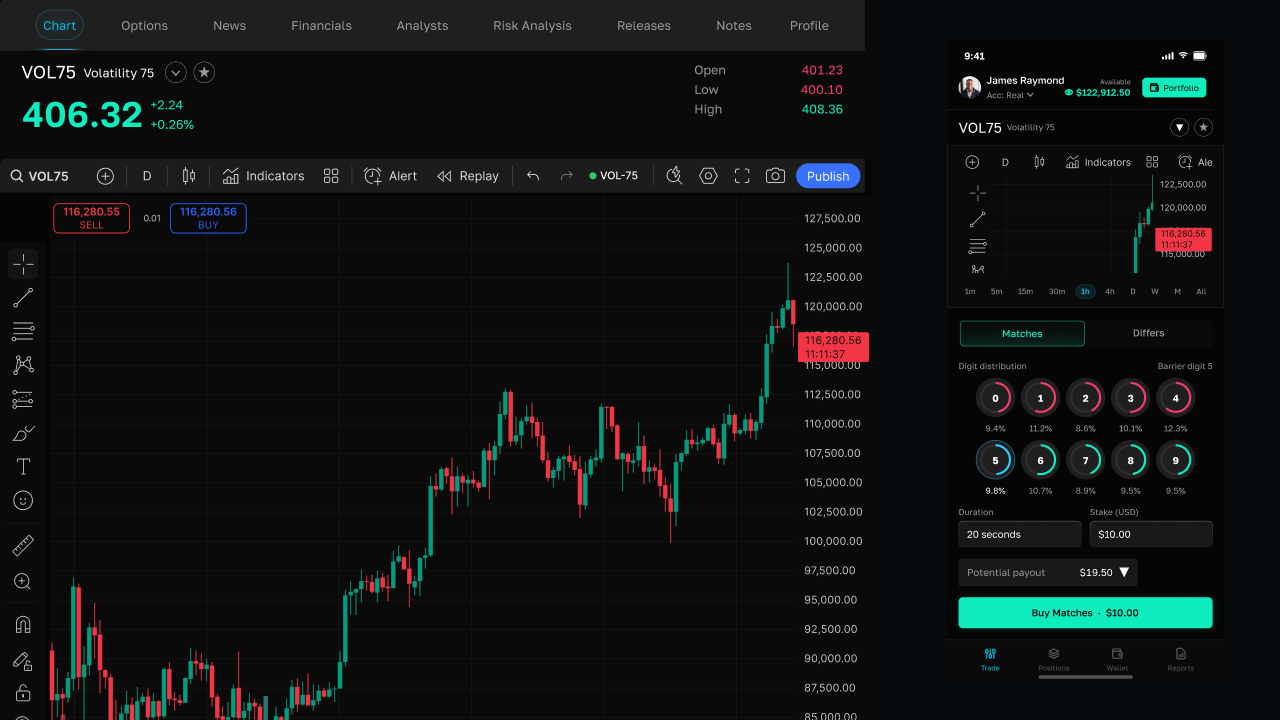
4 MINMatches
Matches digit contracts — predict the exact last decimal digit at expiry.
 4 MIN
4 MINDiffers
Differs digit contracts — win when the last digit is anything except the digit you pick.
 5 MIN
5 MINMarket (Multipliers)
Open leveraged buy or sell positions on volatility indices — margin, fees, live P/L, and how Market differs from timed contracts.
 4 MIN
4 MINStakes, Duration & Payouts
Stake limits, tick duration, win/loss payouts, and demo vs. real account behaviour.