



Introduction
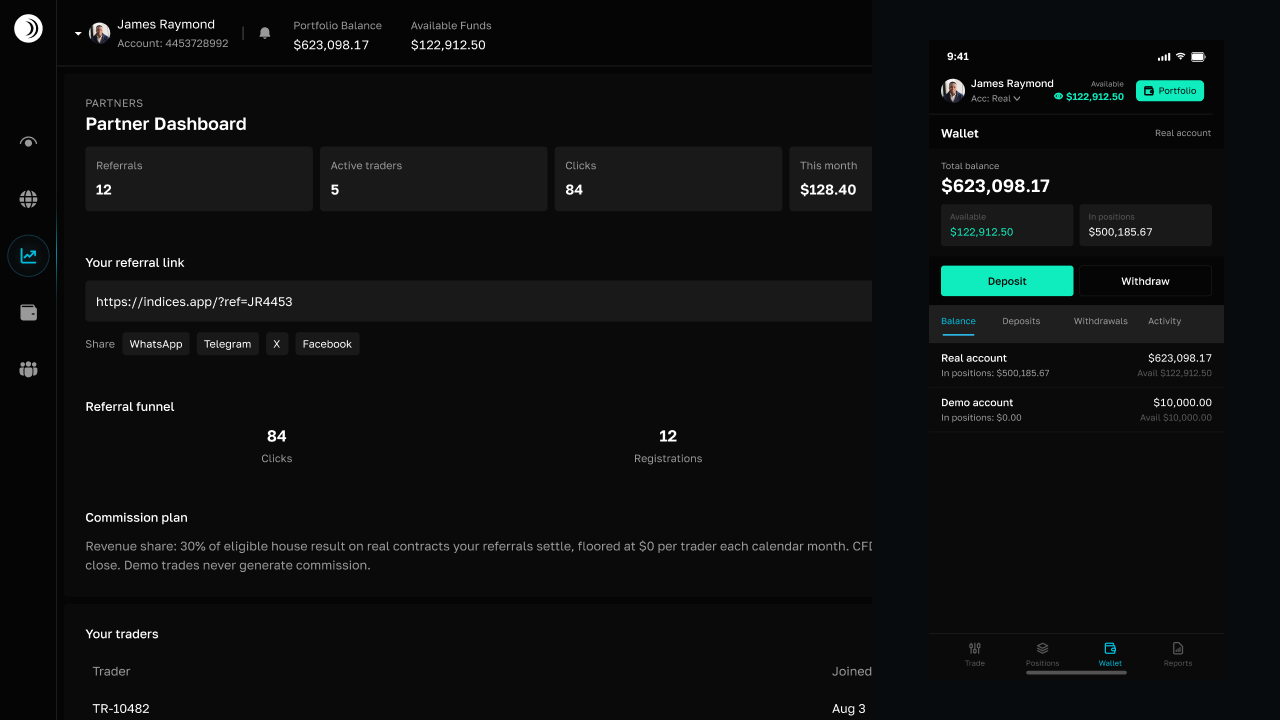
Your trading wallet is the funding hub for the Trade dashboard. It holds the balance used by real and demo trading accounts, while the Wallet page gives you a separate view of balances, deposits, withdrawals, and activity.
Demo and real accounts
Demo and real accounts have separate balances. Demo funds are for practice and do not represent withdrawable money. Deposits, withdrawals, and P2P transfers use the real account.
Balance, available funds, and positions
- Total balance is the account value shown by the wallet.
- Available funds are usable for a new trade or eligible transfer.
- In positions is the amount committed to open trading positions.
- Free margin is the amount available after open-position requirements.
An open position can reduce what you may use even when the total balance has not changed. Check the available and free-margin values before depositing, withdrawing, or transferring to P2P.
Wallet history tabs
The Wallet page separates Balance, Deposits, Withdrawals, and Activity. Deposit and withdrawal rows show the asset, network, amount, destination or receipt, status, and date. Activity shows ledger entries such as credits, debits, and transfers.
Transaction statuses
Pending, detected, signing, signed, broadcasted, confirmed, and completed indicate progress. Rejected and failed indicate that the operation did not complete. Open the relevant history tab to check the receipt or failure information before trying again.
Frequently asked questions
Can I withdraw demo funds?

Why is available balance lower than total balance?
Manage your wallet
 4 MIN
4 MINHow to deposit funds
Deposit USDT on Tron or fund your real wallet with M-Pesa, then track the deposit status and credited balance.
4 MINHow to withdraw funds
Withdraw USDT to a Tron wallet or send funds to M-Pesa, including minimums, status updates, and failed withdrawals.
4 MINHow P2P wallet transfers work
Move funds between your real trading account and separate P2P wallet while understanding free margin, available balance, and escrow.