



Introduction
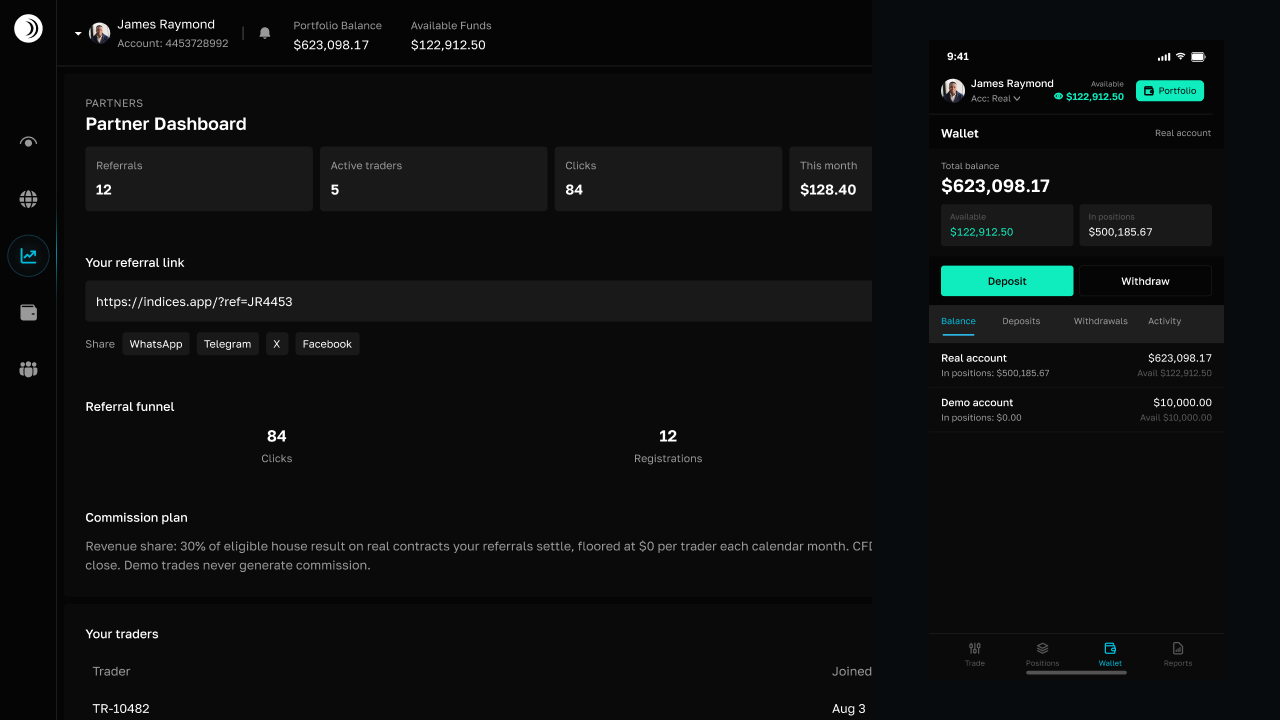
Demo and real accounts use separate balances and account state. Demo is for practicing the trading interface with virtual funds; real is the account used for deposits, withdrawals, and live P2P transfers.
What changes between accounts
- Each account has its own wallet balance and open positions.
- Trading history and ledger activity are scoped to the selected account.
- Demo balances cannot be withdrawn or transferred to P2P.
- Deposits and withdrawals are available from the real account.
Switch before you act
Use the account selector in the trading header before opening a position, depositing, withdrawing, or transferring to P2P. Check the account label and displayed balance after switching so the next action uses the intended account.
Practice, then fund real trading
- Use Demo to learn the order form and product behavior.
- Review open positions and reports in the demo account.
- Switch to Real when you are ready to fund the wallet.
- Deposit funds and confirm the real available balance.
- Use P2P and withdrawals only from the real account.
Frequently asked questions
Can I use demo funds for P2P?

Are demo and real histories combined?
Continue learning
 4 MIN
4 MINHow the trading wallet works
Understand demo and real balances, available funds, open-position exposure, wallet tabs, and transaction history.
4 MINHow to deposit funds
Deposit USDT on Tron or fund your real wallet with M-Pesa, then track the deposit status and credited balance.
 5 MIN
5 MINAccount security, MFA, and recovery
Change your password, enable Google Authenticator, manage recovery codes, and recover access when you cannot sign in.