



Introduction
Partner trading uses OAuth 2.0 with PKCE. The browser starts login. Your backend exchanges the authorization code and stores tokens for that user. The client secret never belongs in a mobile app, SPA, or frontend bundle.
PKCE ties the token request to the same client that opened the authorize page. Without it, a stolen code could be exchanged by someone else. Coinpes requires the S256 challenge on every authorize request. There is no implicit grant.
Before you start
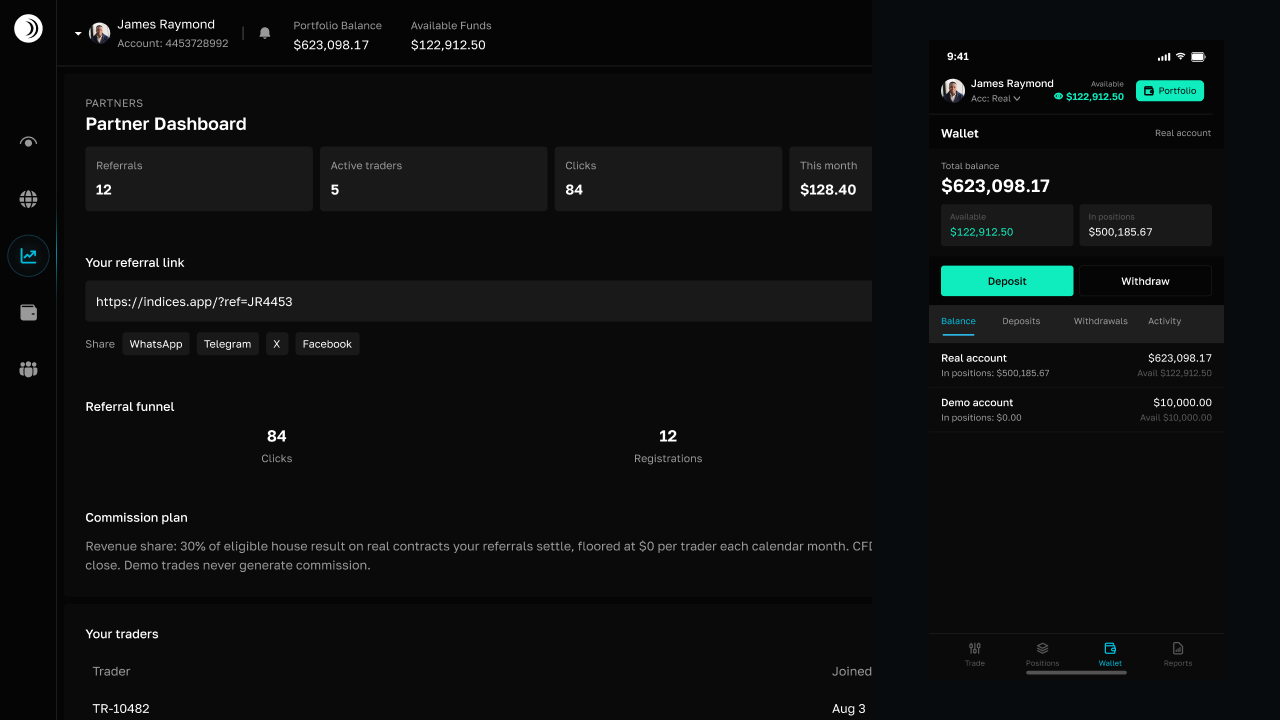
- Enroll as a partner in Referrals so first-time consent can attach the referral.
- On that page, open Apps and choose Create App. Pick Sandbox (
partner_test_*) or Live (partner_live_*), add redirect URIs, and copy the client id and secret immediately — the secret is shown once. - Redirect URIs must match exactly: scheme, host, port, and path. A trailing-slash mismatch fails the redirect.
- Decide scopes. Typical trading apps need
trade:read,trade:write,account:read,market:read, andprofile:read. Timed contracts also needcontract:readandcontract:write.
Token exchange
After allow, Coinpes redirects to your URI with a one-time code. Your server calls POST /oauth/token with JSON: grant_type, code, code_verifier, client_id, client_secret, and the same redirect_uri. Do not send Basic auth.
Persist the access token for /v1 calls and the refresh token to rotate before expiry. Treat both as secrets: encrypt at rest, never log them, revoke when the user disconnects Coinpes in your product.
Consent also attributes the referral
You do not pass ?ref= during OAuth for users who authorize your app. On allow, Coinpes links them to your partner if they were not already referred elsewhere. Share your signup link for people who are not going through OAuth. First-touch wins; you cannot retag someone who already belongs to another partner.
Common failures
- Redirect URI not in the allow-list, or HTTP vs HTTPS mismatch.
- Reusing a code (they are one-time) or a verifier from a different login attempt.
- Putting
client_secretin the app binary. Rotate it from Referrals → Apps if it leaked.
Never put client_secret in a mobile app, SPA, or frontend bundle. PKCE is required; the secret stays on the server.
Parameter lists and examples: OAuth & PKCE reference.
Frequently asked questions
Where do I get a client id and secret?

Can I create users with the Partner API?
Why is PKCE required?
Can I put the client secret in a mobile app?
Related guides
 6 MIN
6 MINUsing the Partner API
What the Partner API is for, how a user session works, and what still lives in the Referrals dashboard.
6 MINPlace trades from your app
List wallets, send idempotent CFD orders, and open timed contracts with a user access token.
5 MINStream prices and positions
Bootstrap the Partner WebSocket, stream quotes and positions, and reconnect after drops.
8 MINReceive webhook events
Register HTTPS endpoints in Referrals, verify HMAC signatures, Test a signed delivery, and process events once.
5 MINTest in sandbox
Use partner_test clients and demo accounts to finish OAuth, trades, sockets, and webhooks safely.
6 MINClone and deploy the example app
Clone the Partner API example from GitHub, reskin it, and deploy the Vite app from Vercel with your OAuth client.
5 MINKeep credentials safe
Where secrets belong, which tokens to rotate, and how partner routes handle trader PII.
6 MINPartner API reference
Full Partner API reference: OAuth, trading routes, WebSocket, webhooks, and OpenAPI.